Willdou
1. Start with a real customer question
Write down the questions people ask before they use your service. A local business might hear questions about prices, coverage areas, booking and what happens after a purchase. These questions are better starting points than a long list of popular but unrelated keywords.
For each query, decide what a helpful answer looks like. A comparison belongs on a comparison page; a setup problem needs a guide; a person ready to book needs a service page with clear next steps. Search intent is a practical content decision, not a reason to repeat an exact phrase a fixed number of times.
2. Research related searches and inspect the evidence
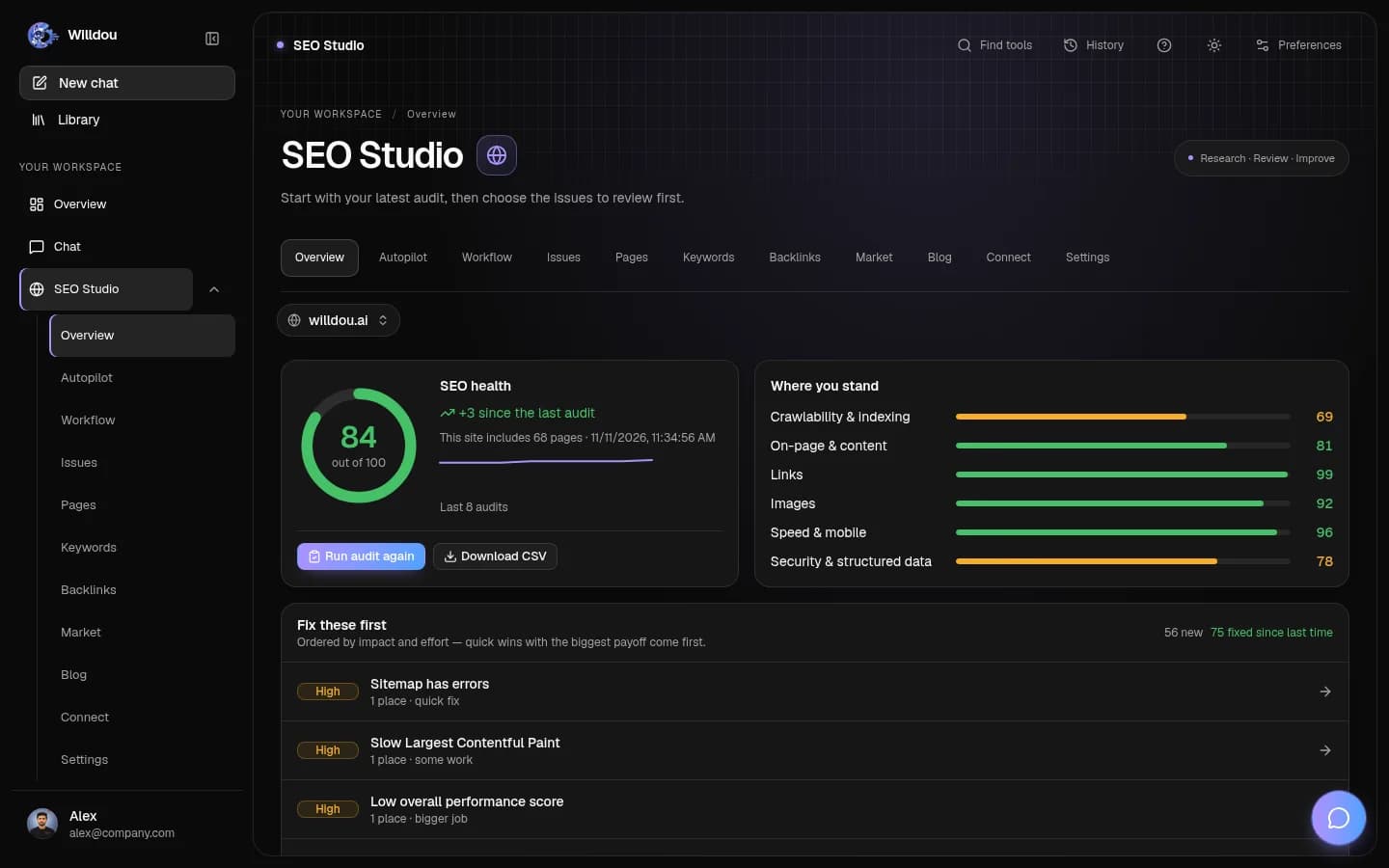
In Willdou, open a website in SEO Studio, then choose Keywords. Use the available research tools to explore related terms and inspect the results. Research is a background task: follow its progress and read the source and status labels before making decisions.
Free data has limits. Willdou does not invent monthly search-volume or CPC figures where a provider does not supply them. A relative trends index is not a search count, and indicative positions from merged search results are not a guaranteed Google ranking. Missing data should stay missing rather than become a convincing-looking estimate.
- Choose a small set of questions closely related to your offering.
- Group searches that need substantially the same answer.
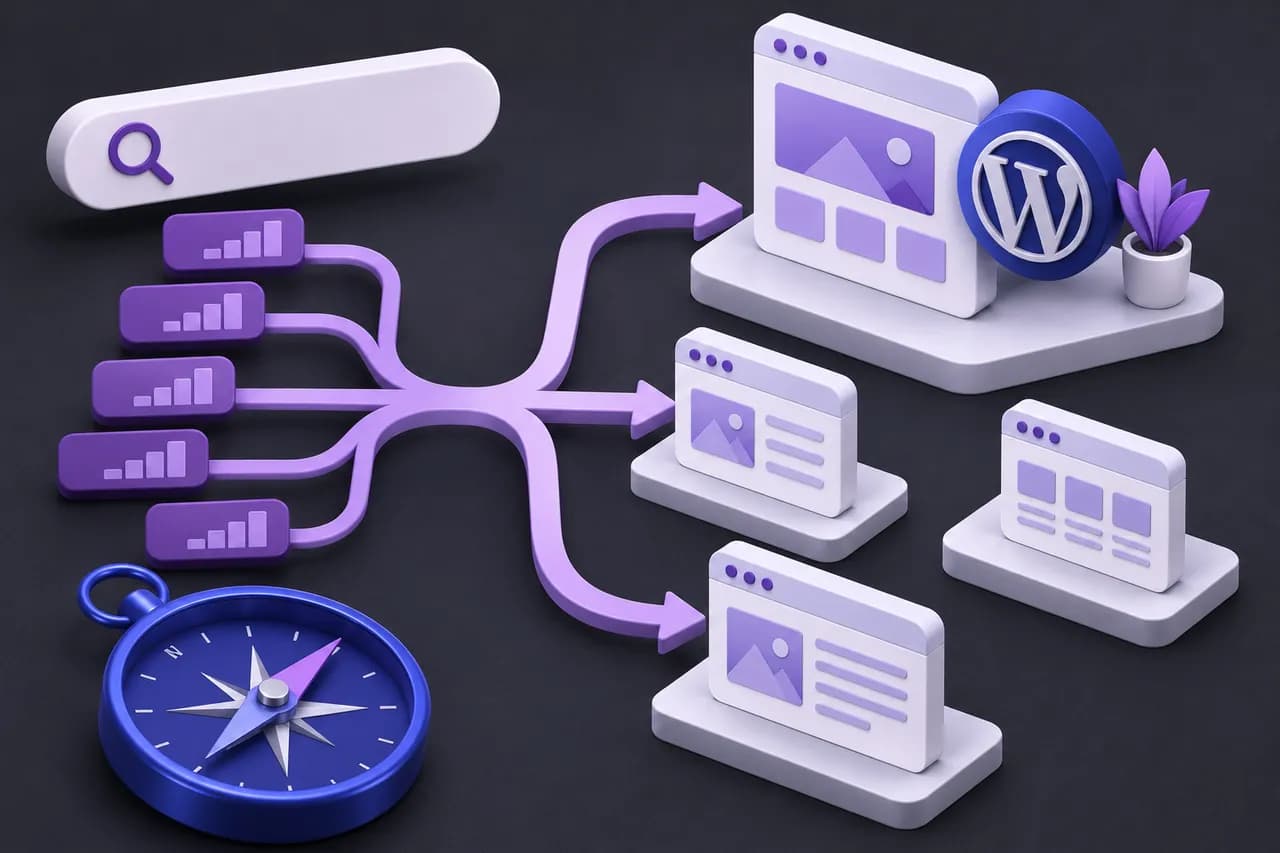
- Assign one main page to each group, then identify useful supporting articles.
3. Turn the topic map into WordPress pages
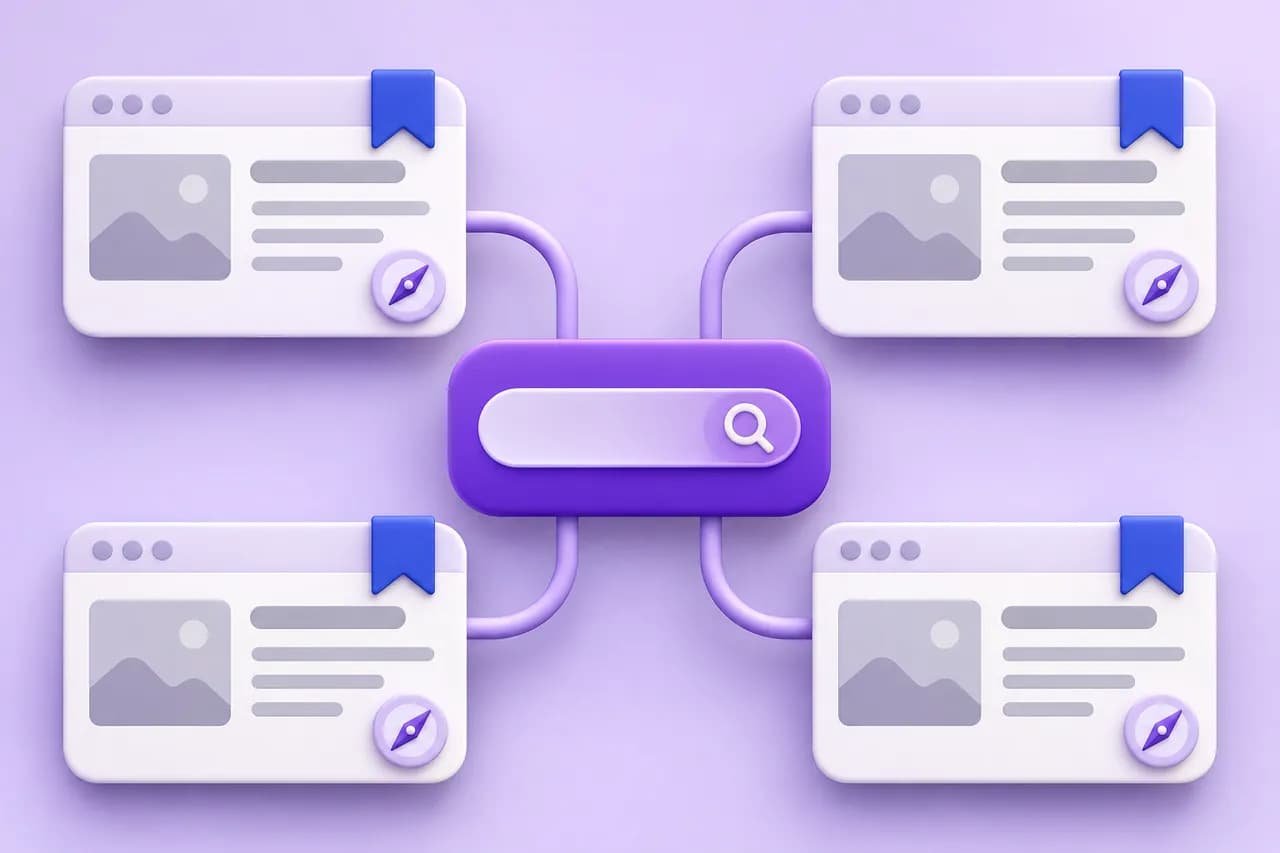
Check existing pages before creating more URLs. Often a service page needs clearer details, examples or an answer to a common question. Give it a descriptive title, a readable URL and a main heading that matches the page's purpose. Link related guides together using meaningful labels.
WordPress SEO is partly content and partly configuration. Confirm that pages are publicly accessible, that the site's visibility setting is intentional, and that one component is responsible for canonical tags and sitemap output. Avoid installing overlapping plugins simply to collect more scores.
Willdou's WordPress bridge can support authorized SEO workflows on a connected site. It does not mean every plugin or page builder is supported. Review the connection and proposed changes first, and keep backups and a way to inspect the live result.
4. Make the answer easy for people and AI search to understand
Give a direct answer near the start, then explain it with examples, clear section headings and sources where needed. Keep important information in visible HTML instead of requiring a chatbot, an image or a complex interaction to reveal it.
Google says established SEO practices remain relevant to its AI search features. Useful public content, ordinary crawlable links, sensible structured data and accurate page information are practical foundations. There is no special keyword list or hidden instruction that guarantees an AI citation. For agentic browsing, clear button labels, stable URLs and accessible forms also make the site easier to navigate.
5. Separate website creation from website automation
Free website creation and AI website automation answer different needs. A builder creates and hosts pages; an automation workspace helps research, draft, audit or operate an existing site. Willdou is a workspace for AI chat, SEO and social content, not a promise of free website hosting or an automatic site builder.
Once a page is published, review what changed in Search Console or other available first-party analytics. Give the page time to be discovered, compare relevant queries and improve the actual answer. Do not rename URLs repeatedly or generate many nearly identical pages in pursuit of a keyword.
Common questions
Does Willdou show free search-volume and CPC data?
It does not fabricate those metrics. Availability depends on the configured sources; missing figures remain unavailable. Relative trends and indicative positions are labeled separately.
Does GEO replace normal SEO?
No. Clear, useful, crawlable content and accurate structured data help search systems understand a page. AI search inclusion and citations are not guaranteed.
Sources and further reading
Tool availability depends on service configuration, connection permissions and your account plan. Check current plans.
Start with one useful task
Follow the screenshot guide and try these steps in your own workspace.