 Willdou
See it. Find it. Use it.
A clear next step, on every screen.
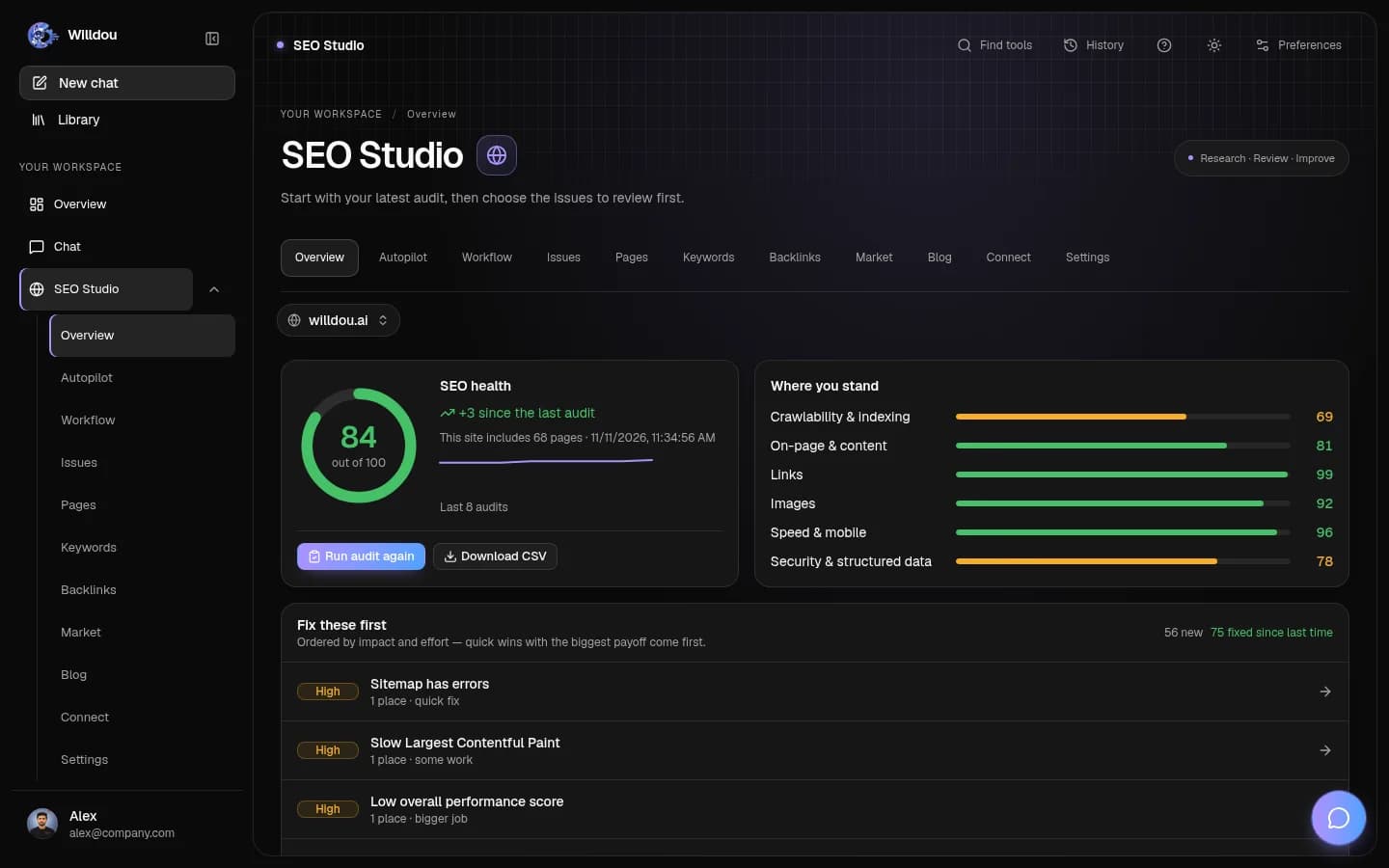
Actual screenshots from a local documentation workspace. Empty states remain empty; your data and available tools depend on your connections and deployment.
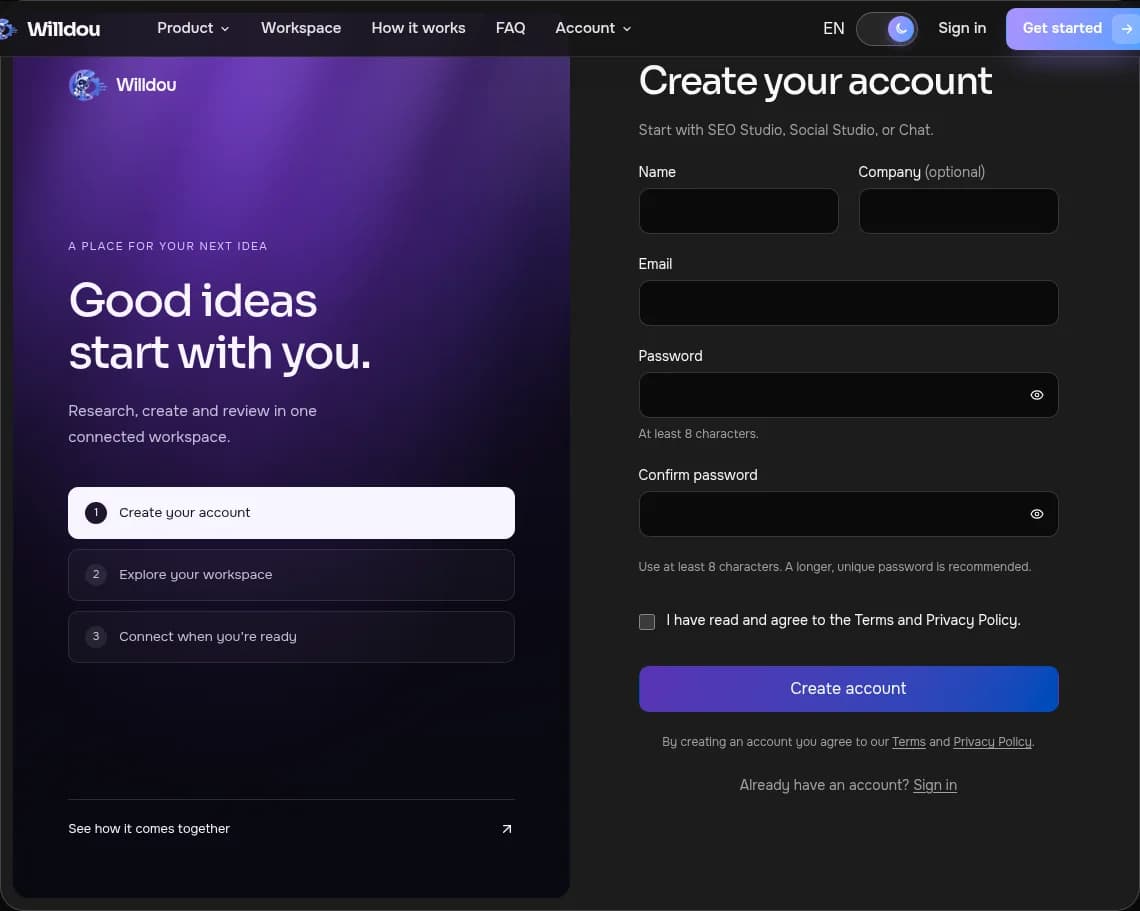
Create your workspace
Where to click: Choose Get started in the public header.
What happens next: Enter your details, read the terms and submit the form. If your email already exists, choose Sign in. Verification and social sign-in depend on the deployment.
Open this toolView the actual screen
Create your workspaceOpen full size Move between studios
Where to click: After signing in, use Overview, Chat, SEO Studio or Social Studio in the left navigation.
What happens next: The same workspace navigation remains available across studios. On mobile, use the menu button or bottom navigation.
Open this toolView the actual screen

Move between studiosOpen full size Mobile navigation
Where to click: On a phone, use the bottom bar to choose Overview, Chat, SEO or Social. Open the menu for additional options.
What happens next: The workspace adapts to the small screen. History opens only when you tap its toolbar button.
Open this toolView the actual screen

Mobile navigationOpen full size
Create your account
Open registration and enter your name, email and a password of at least eight characters. Google is available only when configured.
- Read the Terms and Privacy Policy.
- Create your account to reach Overview.
- If the email already exists, use Sign in instead.
Choose a task
Chat can answer immediately. SEO Studio accepts a public website address. Social Studio can generate drafts before you connect a social account.
- Start with one small task.
- Wait for completion and inspect the result.
- Add connections when you need to publish or write to a website.
Access and limits
Resource counts depend on the current plan, and pricing is preliminary. Paid upgrades require configured billing. Empty states are not evidence of measured performance.
fetch('/api/websites', { credentials: 'same-origin' })If you get stuck
Check email formatting and password length. Sign in again if the session expires. Generation requires backend services; if a job stays active, contact support with its page and error message.