 Willdou
01
AI Chat guide for research and writing
Ask questions, attach context, and return to a conversation whenever you need to.
Read the guide
SEO, social and AI chat in one workspace
Studios
SEO StudioResearch keywords and audit a siteSocial StudioTurn findings into contentAI ChatAsk, research and draft from anywherePreview
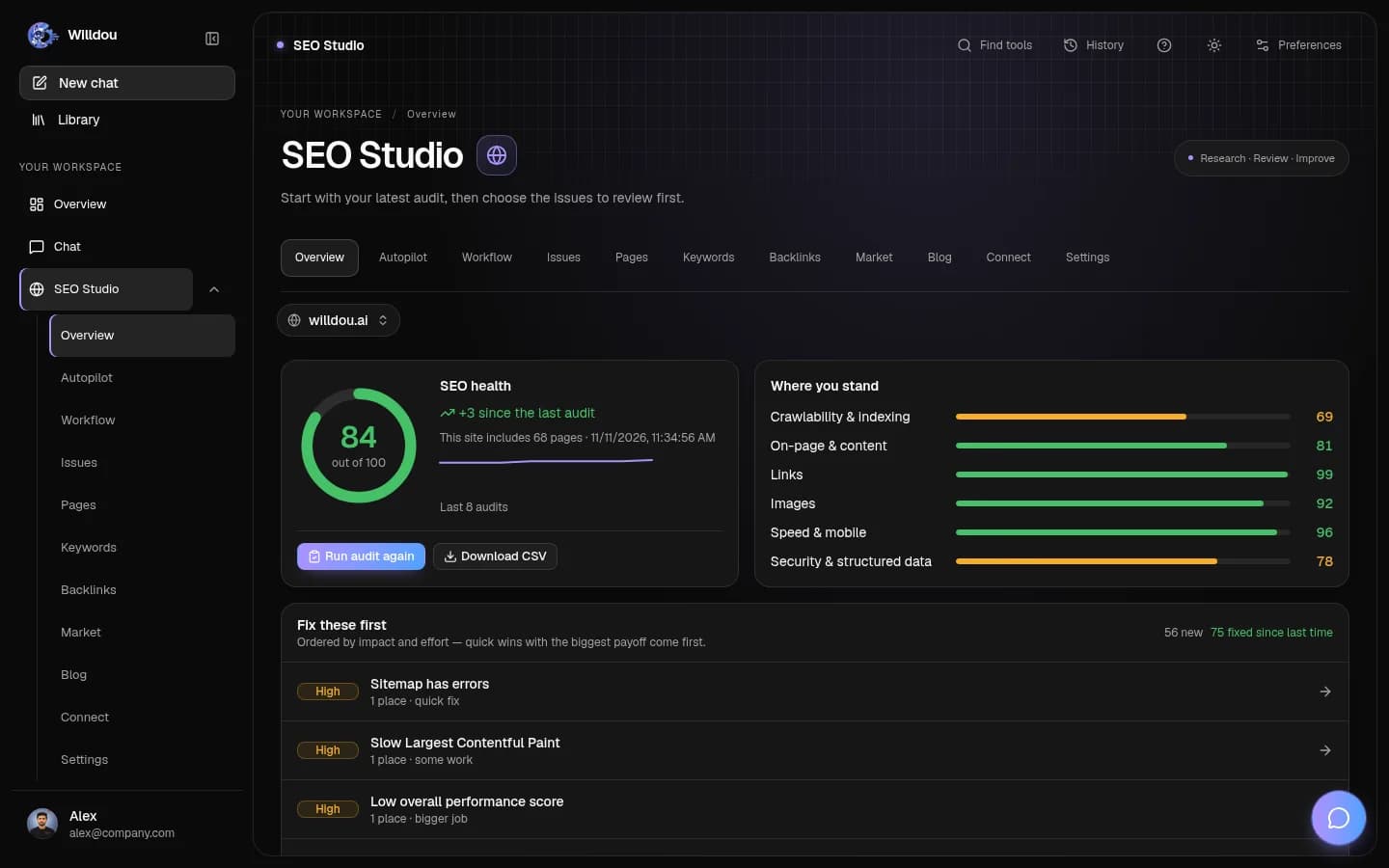
Create an account and start with the chat, then point SEO Studio at your first site.
Your workspace
Move between conversations, website insights and social content. Keep the next step clear, and review changes before applying them.

Your workspace keeps all three tools one click apart, so switching between a chat, a website audit and a social draft doesn't mean losing your place. Start wherever the day's first task is, and move to the next tool once you're ready.
Ask questions, attach context, and return to a conversation whenever you need to.
Read the guideFrom a public website audit to evidence-backed fixes, ranked by impact.
Read the guide
Generate, edit and review social content drafts before supported publishing.
Read the guide
Willdou
Generated content is a draft. Website changes are proposed first unless you explicitly enable an automation. Review the scope before connecting or approving.
Practical answers for this page and your next step.
Overview summarizes saved website and content records. Draft, review and scheduled items are separate states; scheduled content is not counted as published.
Yes. Chat can start immediately, a read-only SEO audit needs a public URL, and caption generation can produce a draft before you connect a social account.
Review comes first by default. External changes require your approval or an automation you explicitly enable. Check the scope of each setting.