 Willdou
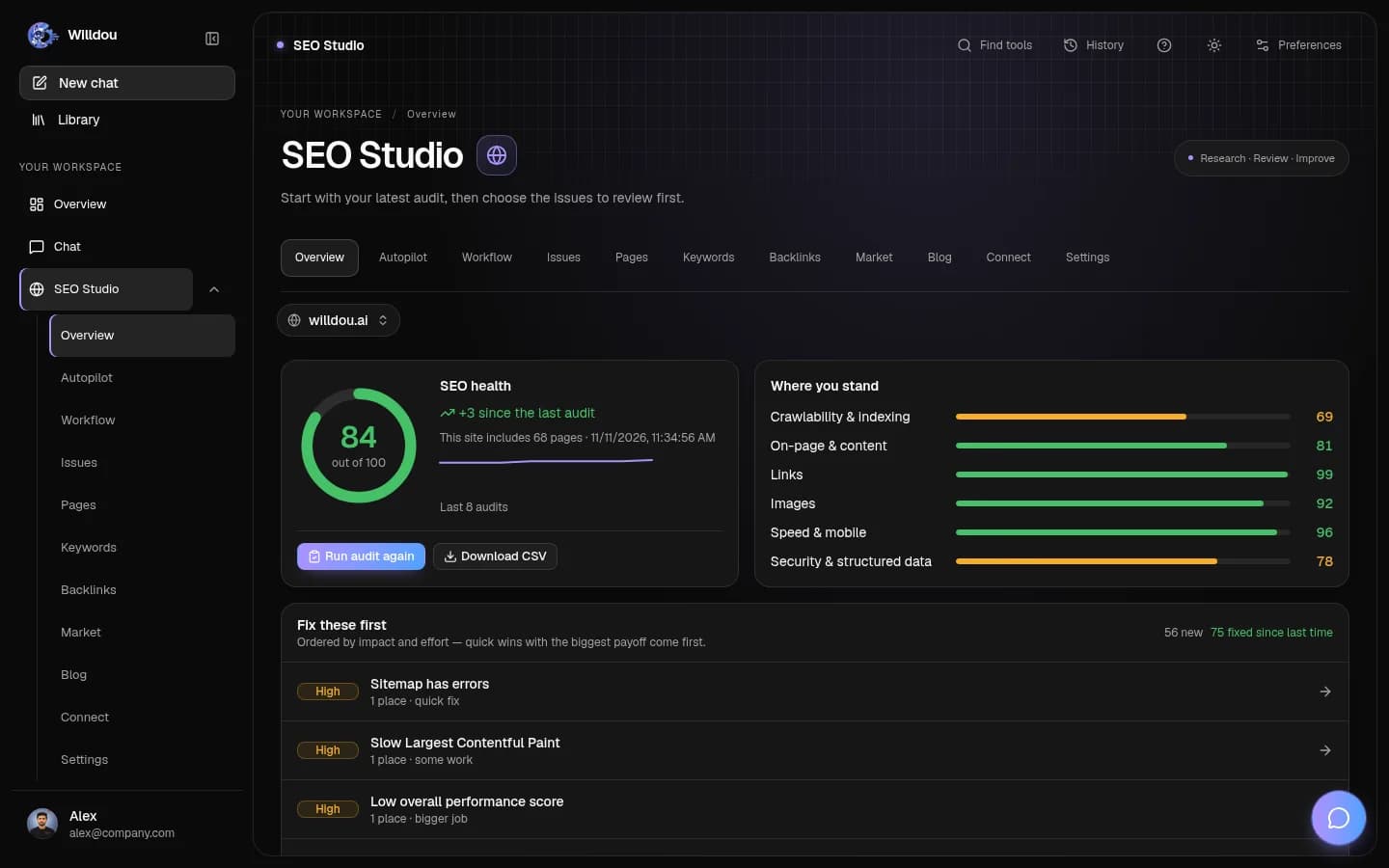
How it works
Start with one useful task.
Ask a question, audit a website, or draft a post. Connect services when you need them, review the result, and decide what happens next.

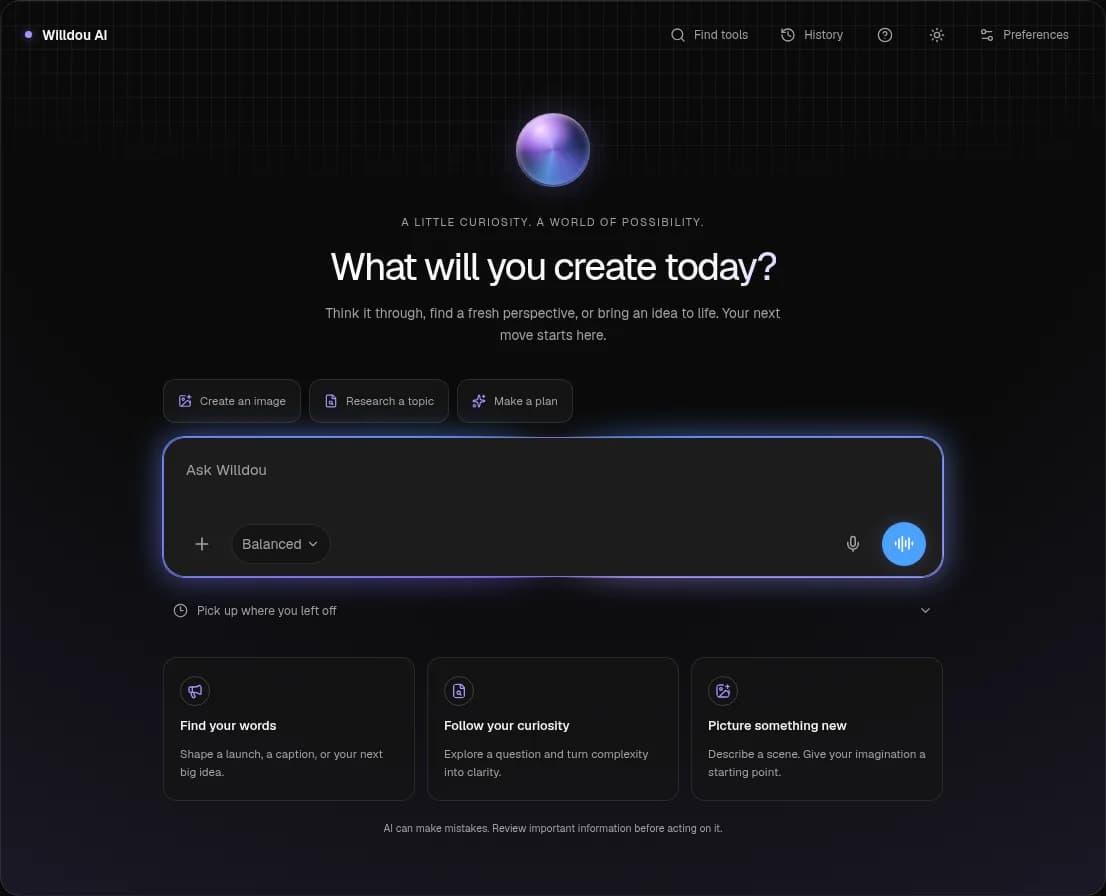
AI Chat guide for research and writing
Ask questions, attach context, and return to a conversation whenever you need to.
- Open Chat and enter a question.
- Add a supported file when useful.
- Check the answer and any cited sources.
- Return through Recents to continue later.
Create your account
Use email and password. Google sign-in appears only when configured on the server.
Choose your starting point
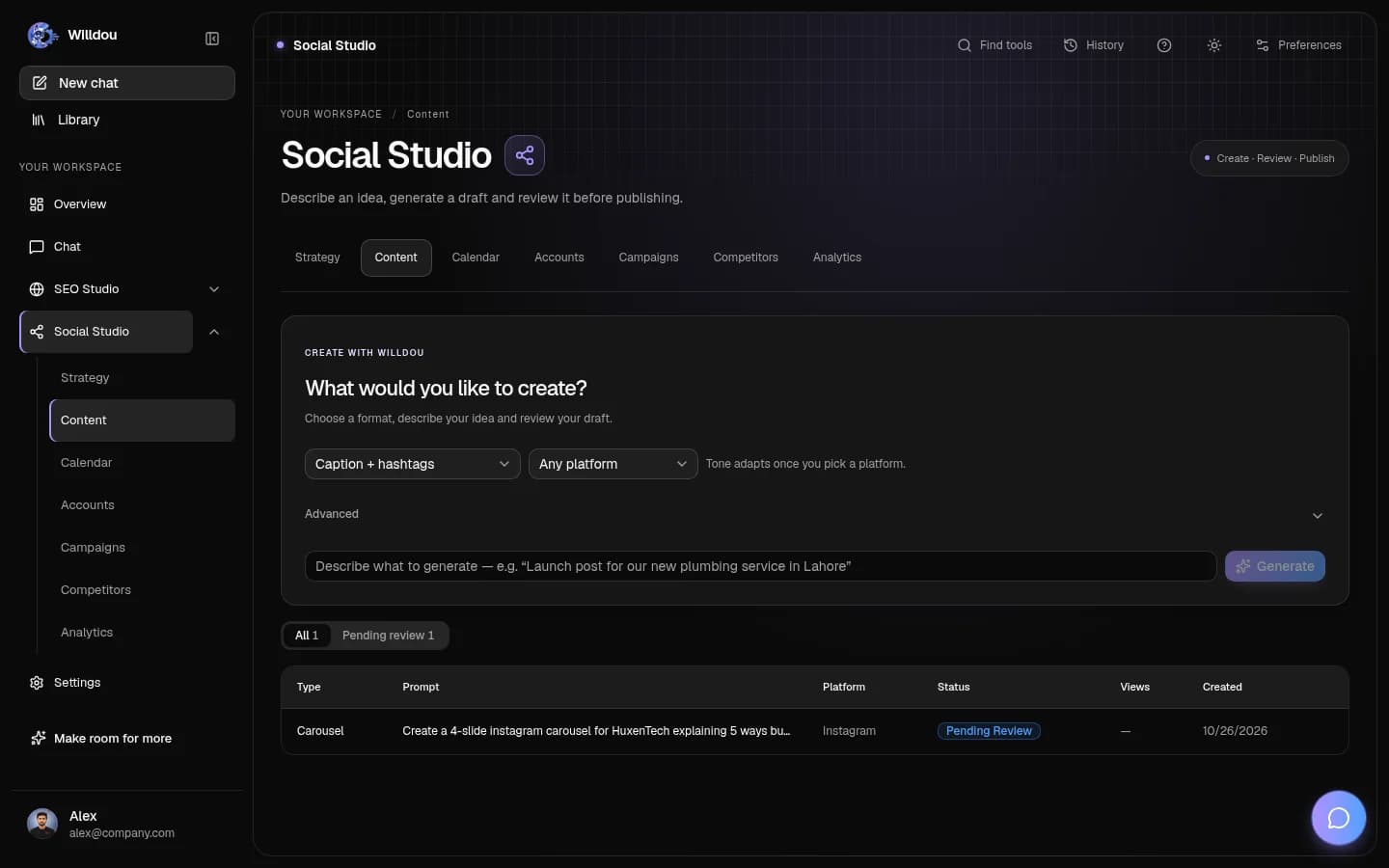
Open Chat for questions, SEO Studio for a website, or Social Studio for a content draft.
Add context or a connection
Chat can start without setup. Add a public URL for an audit; connect a site or social account only for workflows that require access.
Run a task
Send a message, run an audit, or generate a caption. Longer tasks show progress and may queue behind other jobs.
Review the result
Read the answer and sources, inspect audit findings, or edit your caption. Approve deliberately before publishing or applying changes.
Keep track of the work
Return to conversation history, compare audit runs, or inspect your content and calendar. Scheduled work depends on connected services and the worker.
Willdou
Built around a review step
Generated content is a draft. Website changes are proposed first unless you explicitly enable an automation. Review the scope before connecting or approving.
Questions before you start
Practical answers for this page and your next step.
Which task should I try first?
Start with a chat question or a manual audit of your public website. Review the findings before connecting publishing access or enabling a recurring workflow.
Can I start without connecting an account?
Yes. Chat can start immediately, a read-only SEO audit needs a public URL, and caption generation can produce a draft before you connect a social account.
Does anything change on my site or socials automatically?
Review comes first by default. External changes require your approval or an automation you explicitly enable. Check the scope of each setting.