 Willdou

1. Write a reusable brief
Start with the audience, the purpose of the post and the one useful thing a reader should take away. Include the offer, the platform, the desired tone and any facts that must stay exact. A brief such as 'explain our appointment process to first-time customers, in three short steps' is easier to review than 'write something viral'.
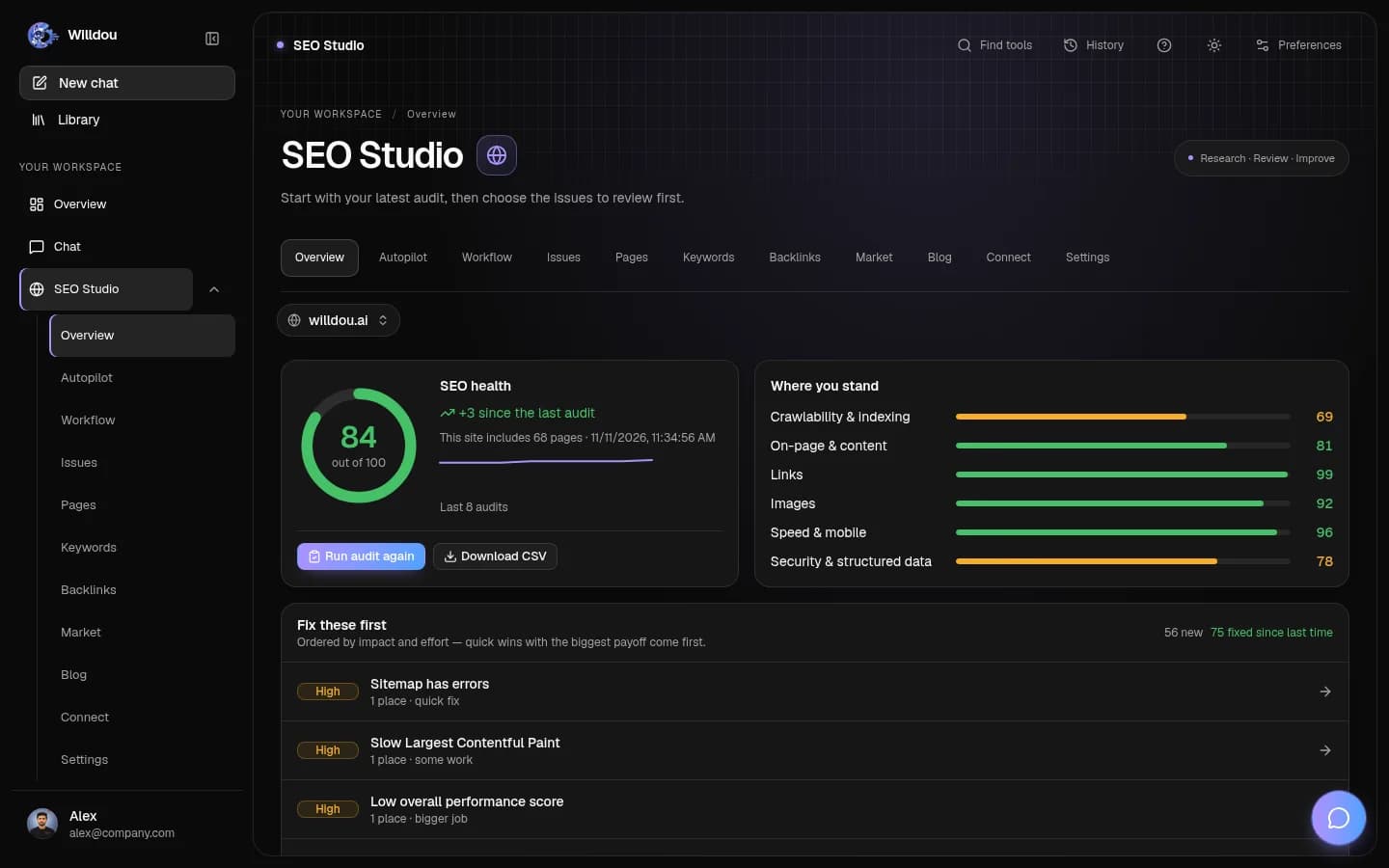
Willdou brings AI chat, SEO Studio and Social Studio into one workspace. You can use Chat to plan a topic or draft an outline, then use the appropriate content tool for the next task. AI automation is most useful when a repeated task has a clear input and an obvious review step.
2. Give the image generator a concrete scene
Describe the subject, setting, lighting and composition. Mention whether a person, a product or a simple illustration should be the focus. Ask for space for a caption if your design will place text over the image; write the final text in an editor rather than relying on image generation for exact lettering.
In Chat, choose Create an image when the image provider is available. Social Studio also has content-generation tools. Availability and limits depend on the configured services and account plan. A free AI image generator should be assessed by its real output and stated limits, not an unlimited-use promise that the product cannot support.
Inspect the result for distorted details, inaccurate products, misleading context and visible artifacts. Do not use an invented image as evidence of a real customer, event or product result. Generated artwork is useful for illustration; factual claims still need their own evidence.
- Write one focused scene description and generate a draft.
- Check the image at both thumbnail and full size.
- Add accurate alternative text where the image conveys information and export at a practical size.

4. Turn the routine into a controlled automation
Define what starts the task, what information it may use, where a draft is stored and who approves it. Begin with a manual run. Inspect the output before choosing a schedule, and make sure you know how to pause future runs. Pausing an automation does not undo earlier changes.
Free AI automations and social media tools can be a useful starting point, but a reliable workflow needs visible states and sensible limits. Keep account connections, website permissions and publication approval explicit. Avoid a chain that publishes any model response without checking what was generated.
5. Measure a useful result, not just the number of posts
Review whether the content answers real questions and leads people to a useful next step. Distinguish scheduled posts from published posts, and use real connected analytics where available. Do not fill a dashboard with estimated engagement or invented success rates.
For website articles, AI can assist research and drafting, but the finished page needs original value and careful editing. Google warns against generating many low-value pages primarily to manipulate search rankings. A smaller set of useful, reviewed articles is a better foundation for a trustworthy publishing routine.
Common questions
Are all social media services free and ready to publish?
No. Willdou has a Free plan, but tool limits and integration readiness vary. Check the plan and the Accounts status before using generation, scheduling or publishing.
Can I use Chat as a free image generator?
Image creation is available when the configured image service is enabled and your account has access. Check current limits and review the generated picture before using it.
Sources and further reading
Tool availability depends on service configuration, connection permissions and your account plan. Check current plans.
Start with one useful task
Follow the screenshot guide and try these steps in your own workspace.

3. Keep drafts, approval and publishing separate
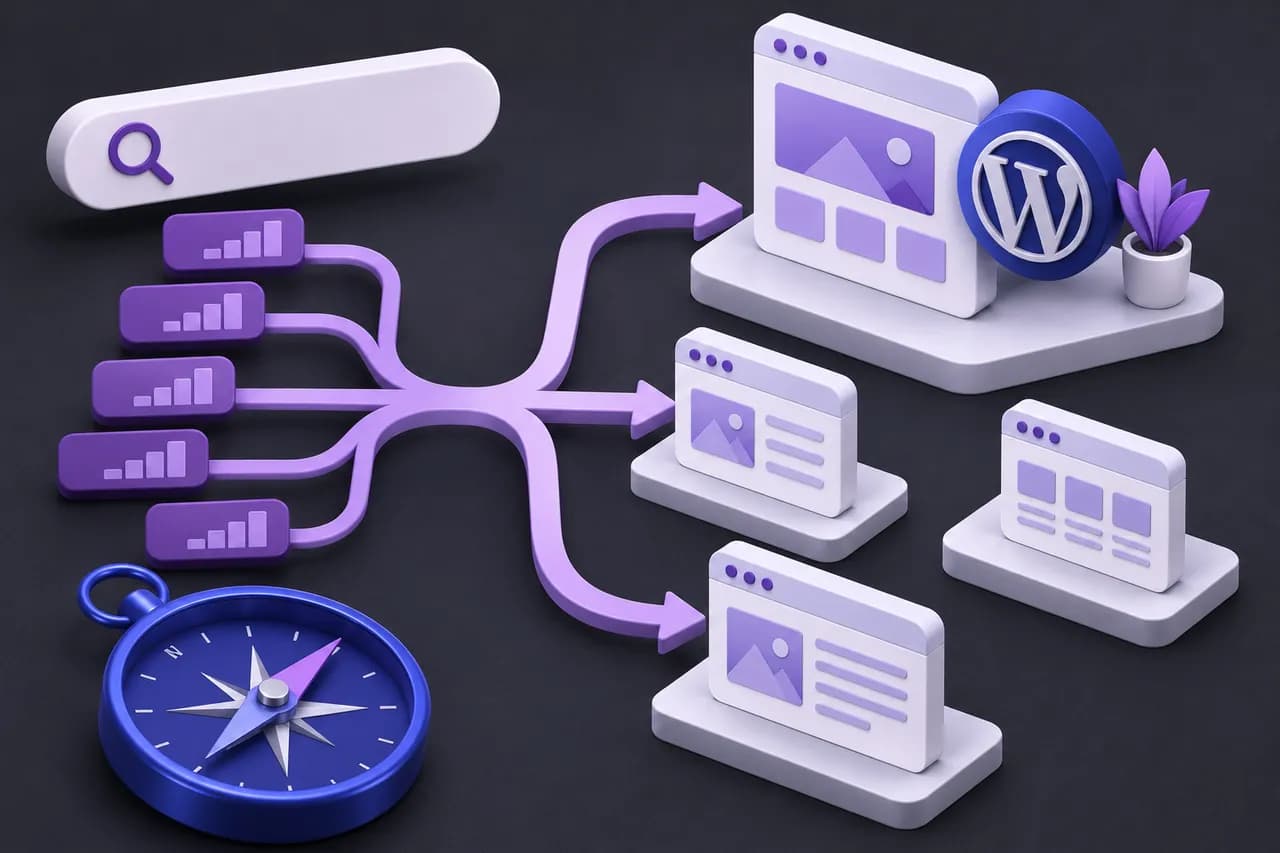
In Social Studio, select Content to create and review a draft. Compare the wording with your actual service and remove unsupported claims. Check links, dates and prices yourself. Use a recognizable status such as draft or awaiting review so a teammate can see what needs attention.
Before scheduling or publishing, open Accounts and verify the connection state for the intended platform. An unconfigured integration is not ready merely because a platform icon is visible. Provider credentials, permission scopes and platform approval can all affect readiness. Current support and plan limits should be checked in the workspace and Pricing.