Willdou

1. Understand what free plans limit
Free plans often limit storage, add the builder's branding, use a subdomain instead of your own domain, or restrict advanced settings. None of these is automatically fatal, but each affects how professional and findable your site is.
If you plan to grow, a custom domain matters because you keep your address and authority if you later switch platforms.
2. Check the SEO controls you need
Confirm you can edit the page title and meta description for each page, set clean readable URLs, add alt text to images and edit headings. Check that the builder generates a sitemap and lets you control which pages are indexed.
Test a sample page before committing: publish it and view the source or run an audit to see what the builder actually outputs.
- Create a test page with a clear title, one main heading and an image with alt text.
- Publish it and inspect the title, description and URL.
- Confirm the sitemap exists and the page is indexable.

3. Test speed and mobile on the published page
Templates can load heavy scripts and large images. Test a published page on a phone connection and compare it with a simple alternative template.
Compress your own images, avoid autoplay video at the top of the page and keep the number of widgets small.
4. Plan pages around what people search for
A builder gives you structure, not rankings. Plan a home page, a page per main service or product, an about page and a contact page, and write each around a clear topic and the questions visitors have.
Add local details if you serve a place, and link related pages together with descriptive text.
5. Audit the finished site for free
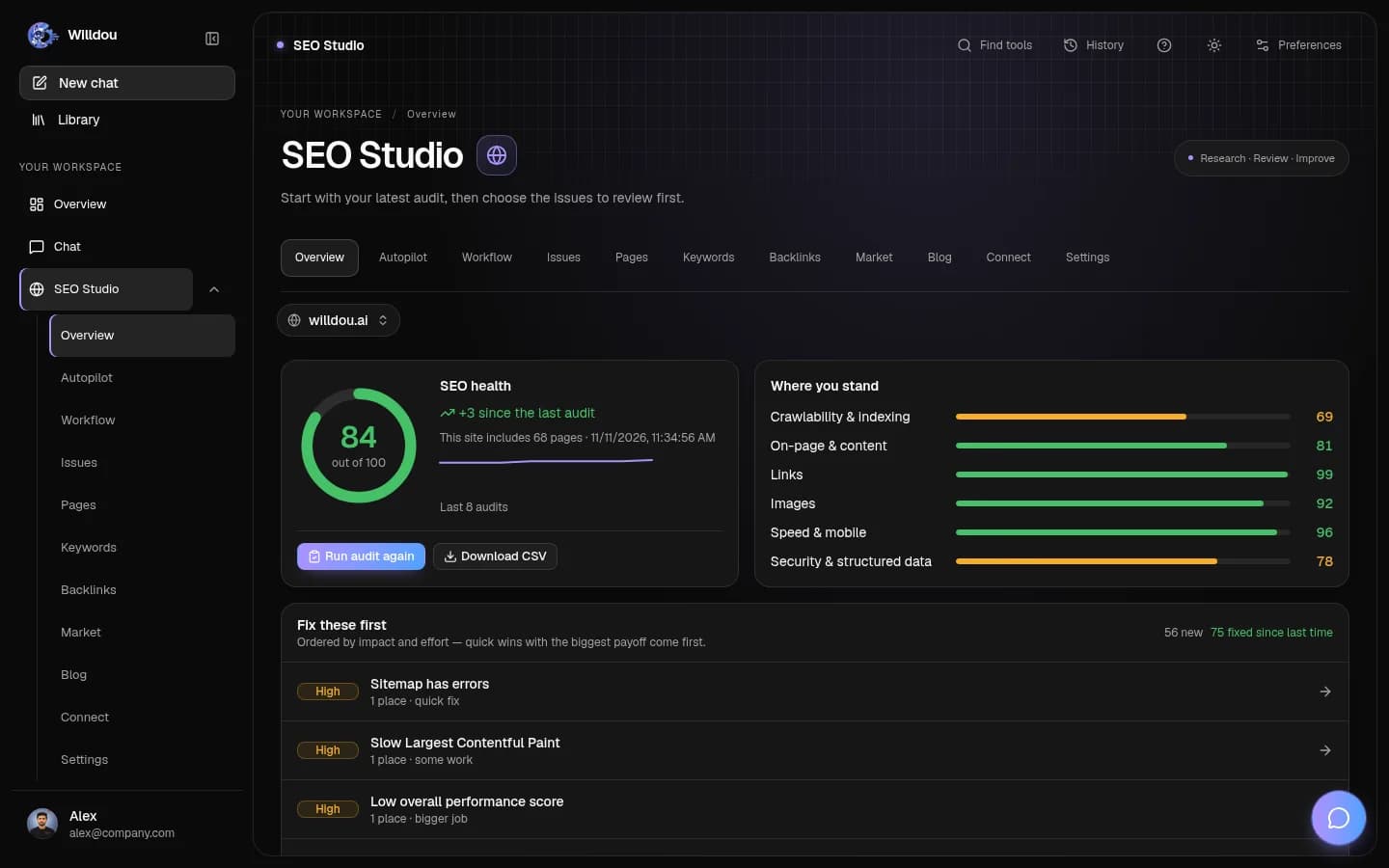
Once published, add the site to Google Search Console and run a free SEO audit. In Willdou, SEO Studio can audit any public website URL, and the Free plan includes manual audits and one website connection; check Pricing for current limits.
Fix the high-severity issues the audit finds, such as missing titles, broken links and slow pages, then audit again. Some builders limit what you can change, so note any issue you cannot fix as a factor in choosing a platform.
Common questions
Can a site on a free website builder rank on Google?
Yes, if the pages are useful, indexable and fast. Builders do not prevent ranking, though some free plans limit controls that help.
Do I need a custom domain?
It is not required to be indexed, but it gives you a professional address and lets you move platforms later without losing your URL.
Does Willdou build websites?
No. Willdou audits and helps improve websites you already have, including ones made with website builders. Live changes need a configured connection and your approval.
Sources and further reading
Tool availability depends on service configuration, connection permissions and your account plan. Check current plans.
Start with one useful task
Follow the screenshot guide and try these steps in your own workspace.