Willdou

1. Claim and verify your profiles
Start with the profiles people see first: your Google Business Profile if you serve a location, plus the social profiles your customers use. Verify ownership so you can edit details and respond to reviews.
Unclaimed or duplicate profiles split attention and can show wrong information. Merge or remove duplicates through the platform's own process.
2. Complete every field accurately
Add the exact business name, category, address or service area, opening hours, phone number, website link, a clear description and real photos. Choose the most accurate primary category, since it signals what you do.
Write the description for people first, mention what you offer and where, and avoid keyword stuffing or adding extra words to the business name; platforms can penalize that.
- Check name, address and phone character by character.
- Add a clear description with your services and area.
- Upload recent, real photos and keep hours up to date.
3. Keep your details consistent everywhere
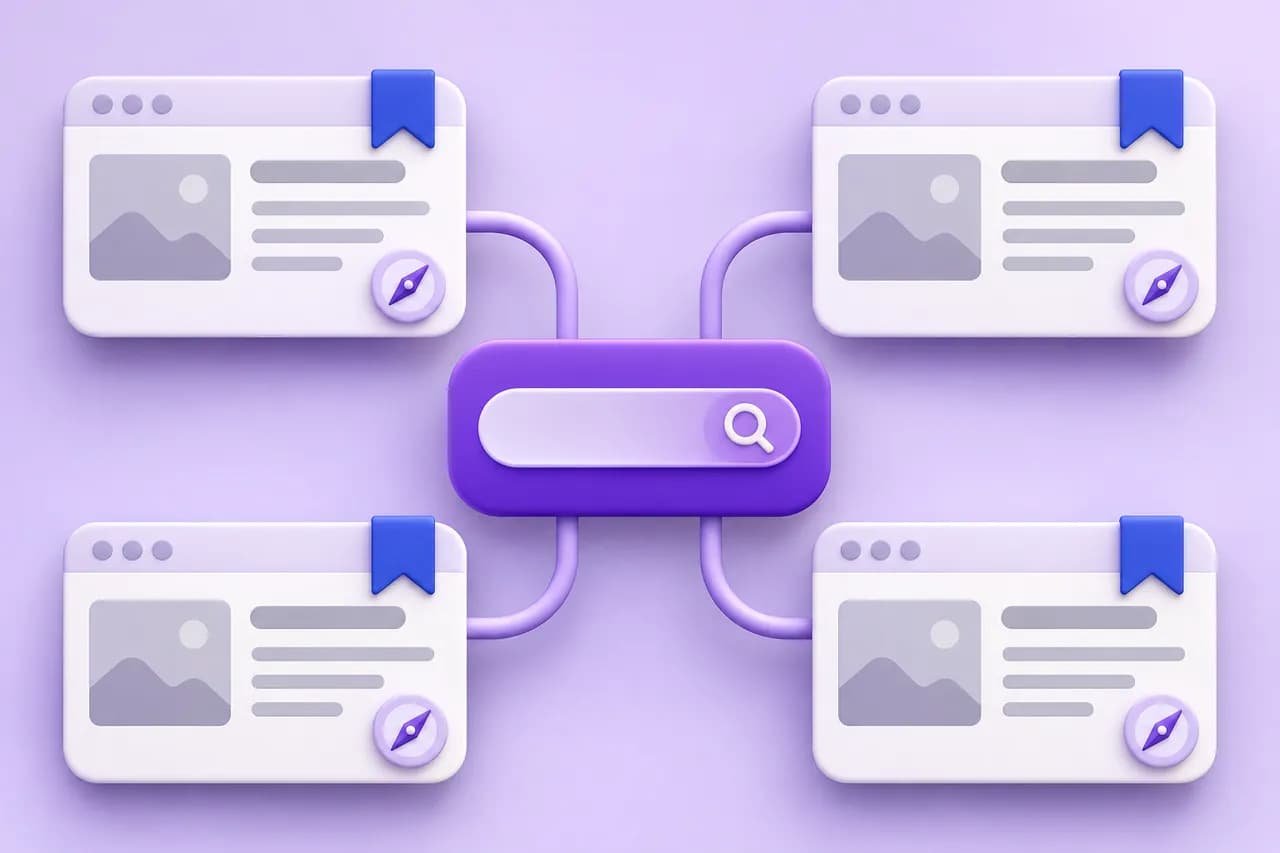
Use the same name, address and phone number on your website, profiles and directories. Inconsistent details make it harder for search engines to trust that these are the same business.
Link your profiles from your website and link back to your site from each profile, so the connection is clear.
4. Earn and answer reviews honestly
Ask satisfied customers for reviews with a simple link after a completed job. Never buy reviews or offer rewards for positive ones; this breaks platform rules and can get a profile removed.
Reply politely to every review, including criticism. Responses show future customers how you treat people.
5. Back the profile with a strong website
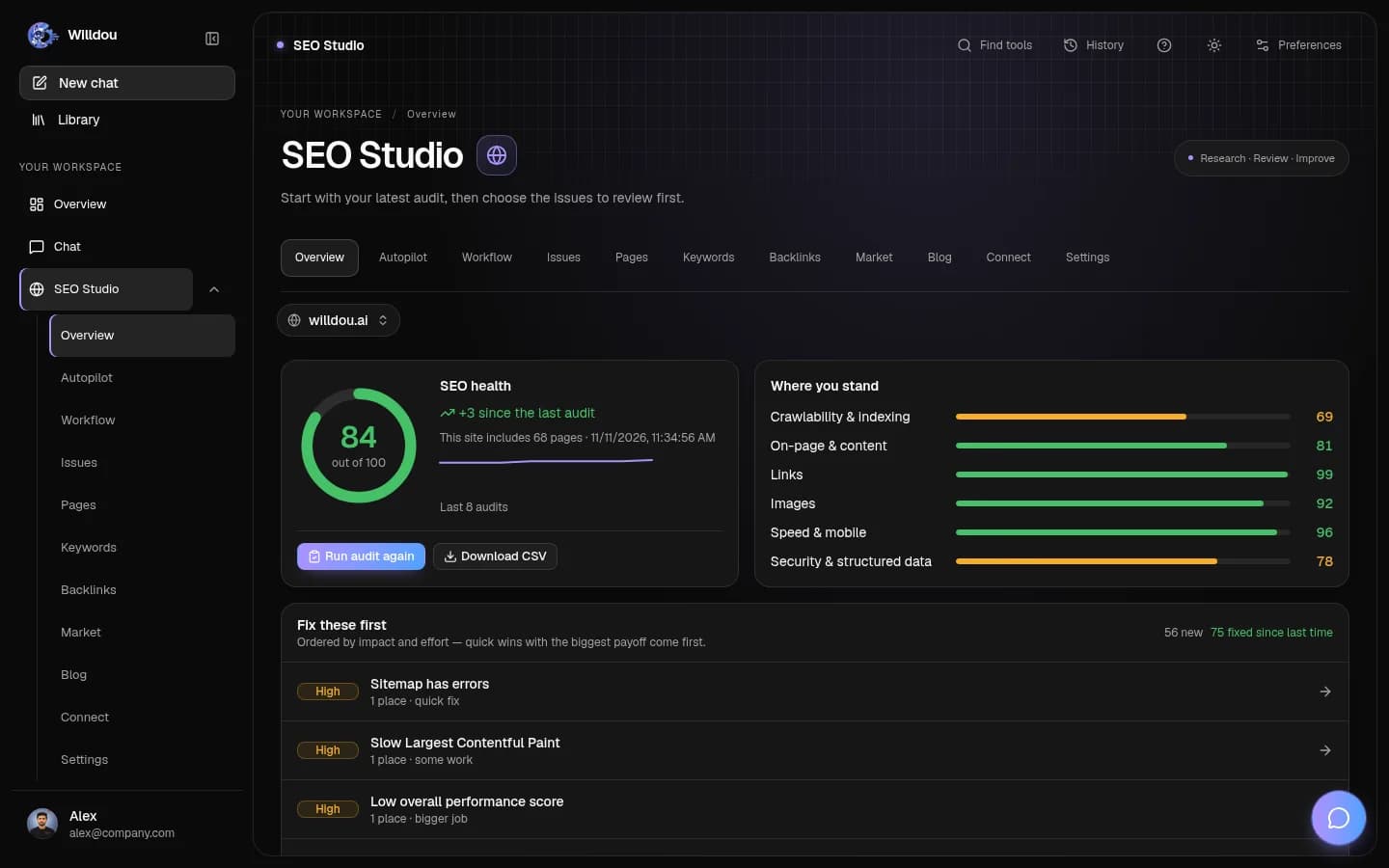
A profile ranks better when the website it points to is clear, fast and useful. Run a free SEO audit on your site, fix broken links and missing titles, and create pages for your main services.
In Willdou, SEO Studio can audit your site and Social Studio can help plan regular profile posts; manual audits are included in the Free plan, with current limits shown in Pricing.
Common questions
How long does it take for a profile to rank?
It varies by competition and location. Complete, consistent profiles with real reviews usually improve over weeks, but no one can guarantee a ranking.
Can I rank a profile without a website?
Yes for some local searches, but a useful website gives the profile more to point to and usually helps results.
Should I buy reviews?
No. Fake or incentivized reviews break platform rules and can lead to your profile being penalized or removed.
Sources and further reading
Tool availability depends on service configuration, connection permissions and your account plan. Check current plans.
Start with one useful task
Follow the screenshot guide and try these steps in your own workspace.