Willdou

1. Start from what customers actually ask
List the questions customers ask by email, chat and phone, plus the words they use for your product. Real wording often differs from the industry terms you use internally.
These questions are your seed keywords. They are free, specific and closer to purchase than generic head terms.
2. Collect ideas from free sources
Search your seed phrase and read the autocomplete suggestions, the People Also Ask box and related searches. Google Search Console shows queries you already appear for, which are often easy wins. Free keyword tools add suggestions and rough volume ranges.
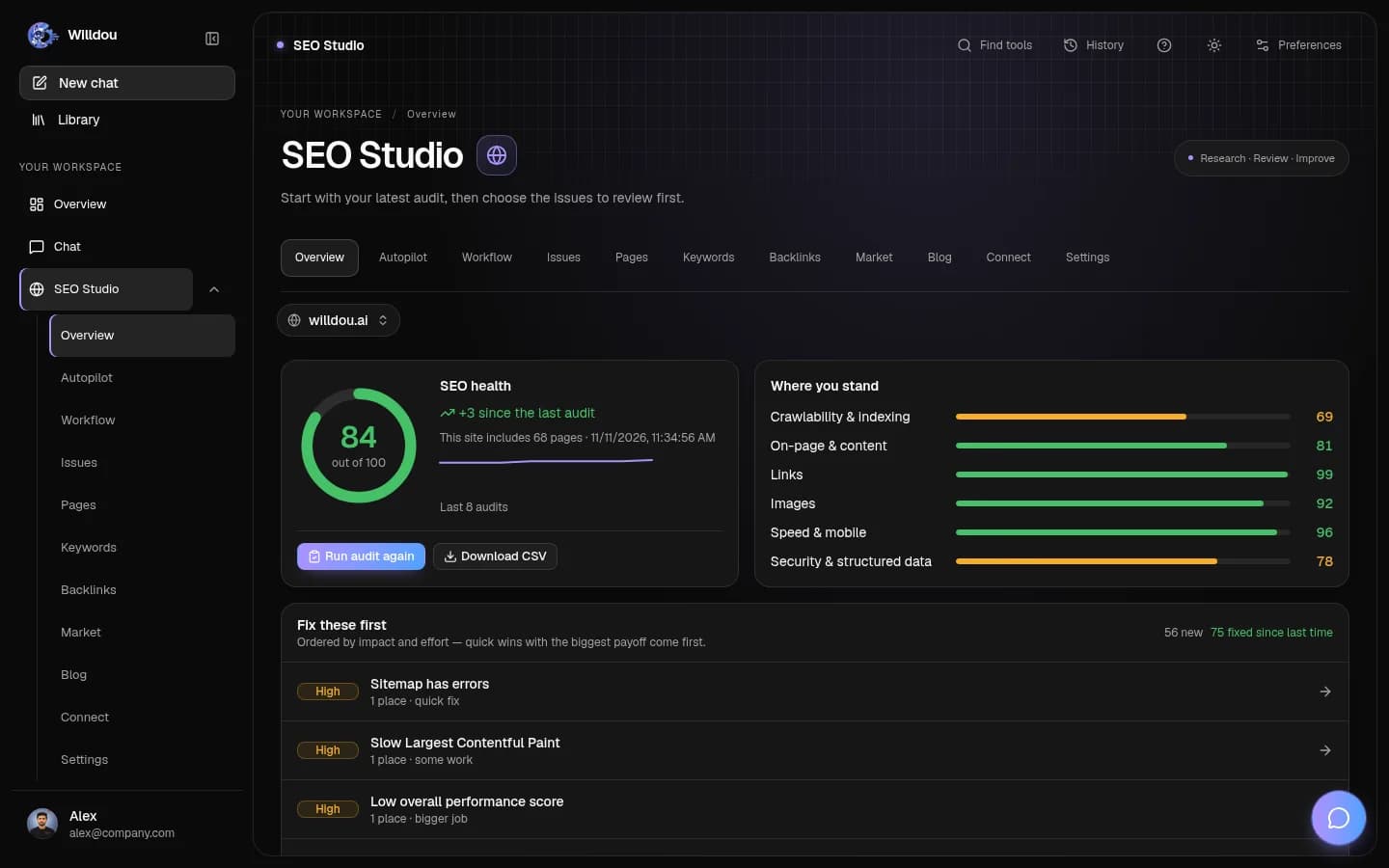
In Willdou, keyword research in SEO Studio can help you gather and organize ideas for your site. Volumes and difficulty values from any tool are estimates, so use them to compare ideas, not as exact numbers.
- Write 10 seed questions from real customer conversations.
- Expand each with autocomplete and related searches.
- Add queries from Search Console that already show impressions.

3. Sort keywords by search intent
Group each phrase by what the searcher wants: to learn, to compare, to buy or to find a specific site. A guide fits an informational query; a pricing page fits a buying query. Matching the format to the intent matters more than the exact phrase.
Look at the current results. If the top pages are all guides, a sales page is unlikely to compete for that phrase.
4. Map one main keyword to one page
Give every page a single main topic and a few close variations. Two pages chasing the same phrase compete with each other and confuse readers. Use the main phrase naturally in the title, the main heading and the opening paragraph.
Avoid stuffing. Cover the topic completely, answer the follow-up questions and link to related pages with descriptive anchor text.
5. Review results and update
After a few weeks, check Search Console to see which queries bring impressions and clicks, and improve pages that rank on the second page before writing new ones. Update outdated facts and add missing answers.
Keyword research is a loop, not a one-time task. Keep a simple sheet of keyword, page, intent and last review date.
Common questions
Can I do keyword research for free?
Yes. Customer questions, autocomplete, related searches, Search Console and free keyword tools are enough to build a solid topic list for a small site.
How many keywords should one page target?
One main topic with a handful of close variations. Trying to rank one page for many unrelated phrases usually weakens it.
Are keyword difficulty scores accurate?
They are estimates that differ between tools. Use them to compare ideas and check the actual search results before committing.
Sources and further reading
Tool availability depends on service configuration, connection permissions and your account plan. Check current plans.
Start with one useful task
Follow the screenshot guide and try these steps in your own workspace.