 Willdou
一步一步,清楚了解
跟着界面,找到下一步。
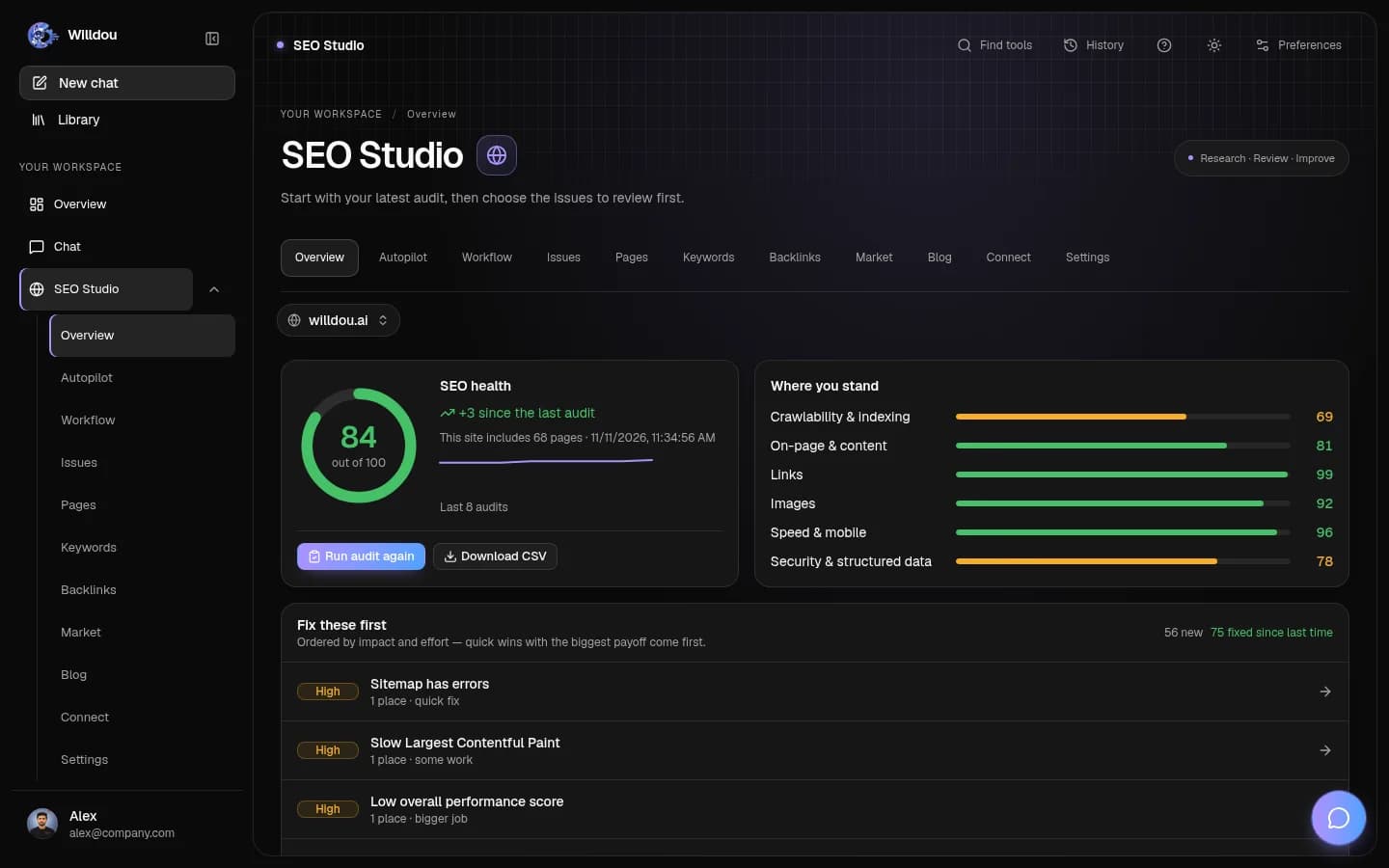
以下为本地文档工作空间的真实界面截图,显示英文按钮名称。空状态不会伪装成已完成任务;你的实际数据和可用功能取决于连接与部署配置。
Strategy
点击位置:Choose Social Studio, then click the Strategy tab.
接下来会看到:Set the business context and inspect generated strategy. Research and generation require available providers.
打开此工具查看实际界面截图

Strategy打开原图 Content
点击位置:Choose Social Studio, then click the Content tab.
接下来会看到:Choose a content type and enter a prompt. Generated drafts must be reviewed; generation does not mean publication.
打开此工具查看实际界面截图

Content打开原图 Calendar
点击位置:Choose Social Studio, then click the Calendar tab.
接下来会看到:Switch the calendar view to inspect scheduled content. Open an item to review its details and destination.
打开此工具查看实际界面截图

Calendar打开原图 Accounts
点击位置:Choose Social Studio, then click the Accounts tab.
接下来会看到:Inspect supported integrations and their readiness. Choose Connect only for an account you control and complete the provider consent screen.
打开此工具查看实际界面截图

Accounts打开原图 Campaigns
点击位置:Choose Social Studio, then click the Campaigns tab.
接下来会看到:Organize campaign work and inspect its status. Creating or launching ads can require connected ad accounts and paid services.
打开此工具查看实际界面截图

Campaigns打开原图 Competitors
点击位置:Choose Social Studio, then click the Competitors tab.
接下来会看到:Add or inspect competitor tracking where available. Missing results are shown separately from measured performance.
打开此工具查看实际界面截图

Competitors打开原图 Analytics
点击位置:Choose Social Studio, then click the Analytics tab.
接下来会看到:Inspect available platform metrics and source coverage. Unavailable integrations are not shown as fabricated engagement or revenue.
打开此工具查看实际界面截图

Analytics打开原图
创建草稿
支持文案、图片、轮播、视频和配音类型。可用性取决于配置的生成服务。文案草稿不需要连接社交账户。
- 打开 Content,选择类型和目标平台。
- 说明受众、语气及已核实的事实。
- 点击生成并等待完成。
- 打开内容检查输出及状态。
审核与批准
审核事实、版权、语气和平台限制。AI 可能生成未经证实的宣传语,应在发布前修改。生成完成不代表已发布。
批准后再选择支持的账户和发布时间。日历展示已排期内容;后台工作进程负责执行定时任务。
账户与平台限制
YouTube、Meta 和 TikTok 驱动已存在,但需要服务器凭据、授权范围及平台审核。显示未配置时,请联系管理员;不要把连接按钮当作授权已经完成。
TikTok 未经应用审核时可能只允许私密发布。公开竞争对手跟踪及自然流量分析当前主要支持 YouTube。
失败与重试
任务长时间处理中时,检查工作进程和生成服务。发布失败时先阅读错误,再确认令牌、媒体格式、账号权限和平台状态。重试前检查是否已在平台产生帖子。