 Willdou
一步一步,清楚了解
跟着界面,找到下一步。
以下为本地文档工作空间的真实界面截图,显示英文按钮名称。空状态不会伪装成已完成任务;你的实际数据和可用功能取决于连接与部署配置。
Your workspace
点击位置:Choose Overview in the left navigation.
接下来会看到:Use the composer to start a conversation, or choose a studio card. Website and social summaries appear below the tools.
打开此工具查看实际界面截图

Your workspace打开原图 Website trends and content distribution
点击位置:Choose a website in Website for insights. Scroll below the compact Chat composer.
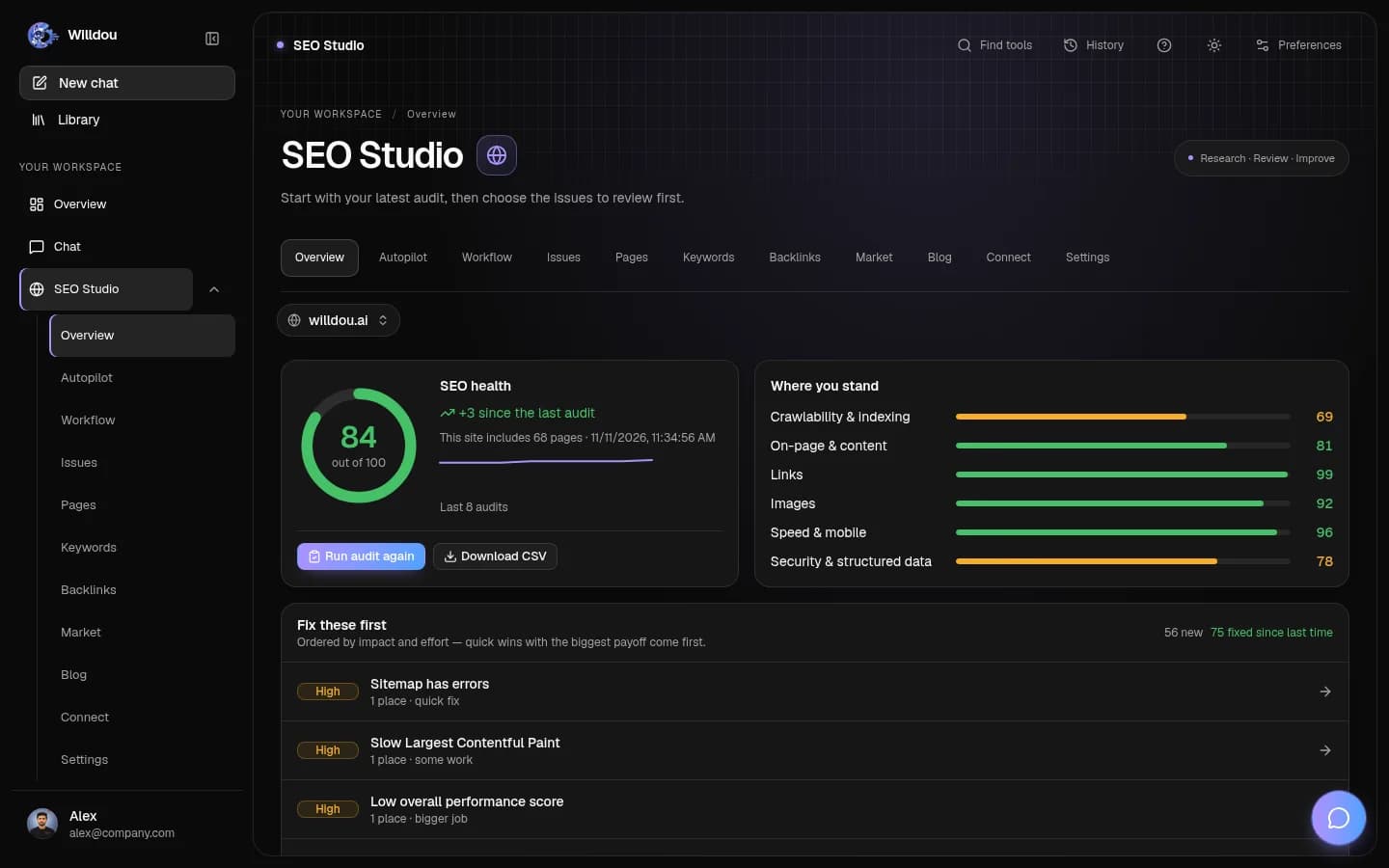
接下来会看到:Read the latest completed health score, saved audit trend and category scores. The content bars show actual saved Social Studio stages. Missing data stays unavailable; one audit does not create a trend.
打开此工具查看实际界面截图

Website trends and content distribution打开原图 Website scores and work status
点击位置:Choose Expand details in Website & social activity below the dashboard charts.
接下来会看到:Each website shows its current audit or planning status, its latest completed score and any reported score change. Missing scores stay unavailable. Social counts distinguish drafts, review, scheduled, published and failed items.
打开此工具查看实际界面截图

Website scores and work status打开原图 Find a tool
点击位置:Click Find tools in the top toolbar. Type a task or studio name.
接下来会看到:Choose a result to open the corresponding tool. Close the finder with Escape to return to your draft.
打开此工具查看实际界面截图

Find a tool打开原图
理解评分与状态
最新完成的审核评分与当前任务状态是不同的信息。审核运行时,旧评分仍可能显示。没有完成审核时,界面显示暂无评分,而不是零分。
查看内容流程
草稿、待审核、已批准、已排期、已发布和失败分别显示。排期不等于发布成功。使用刷新读取当前保存的状态,不会因此启动新任务。
打开相应工具
点击网站或工作流程检查发现的问题;通过 Social Studio 审核内容。失败或不可用状态应先检查连接与服务配置,再重试。